
One business process, eight scenarios
Pixel Pulse Digital runs its own sales and delivery process on Make.com. A website enquiry becomes a scored lead, then a scoped and priced proposal, a verified payment, an onboarded client, weekly updates, a handover and a feedback request. This case study shows how that process is split into eight scenarios, and which parts are running today.
The pipeline
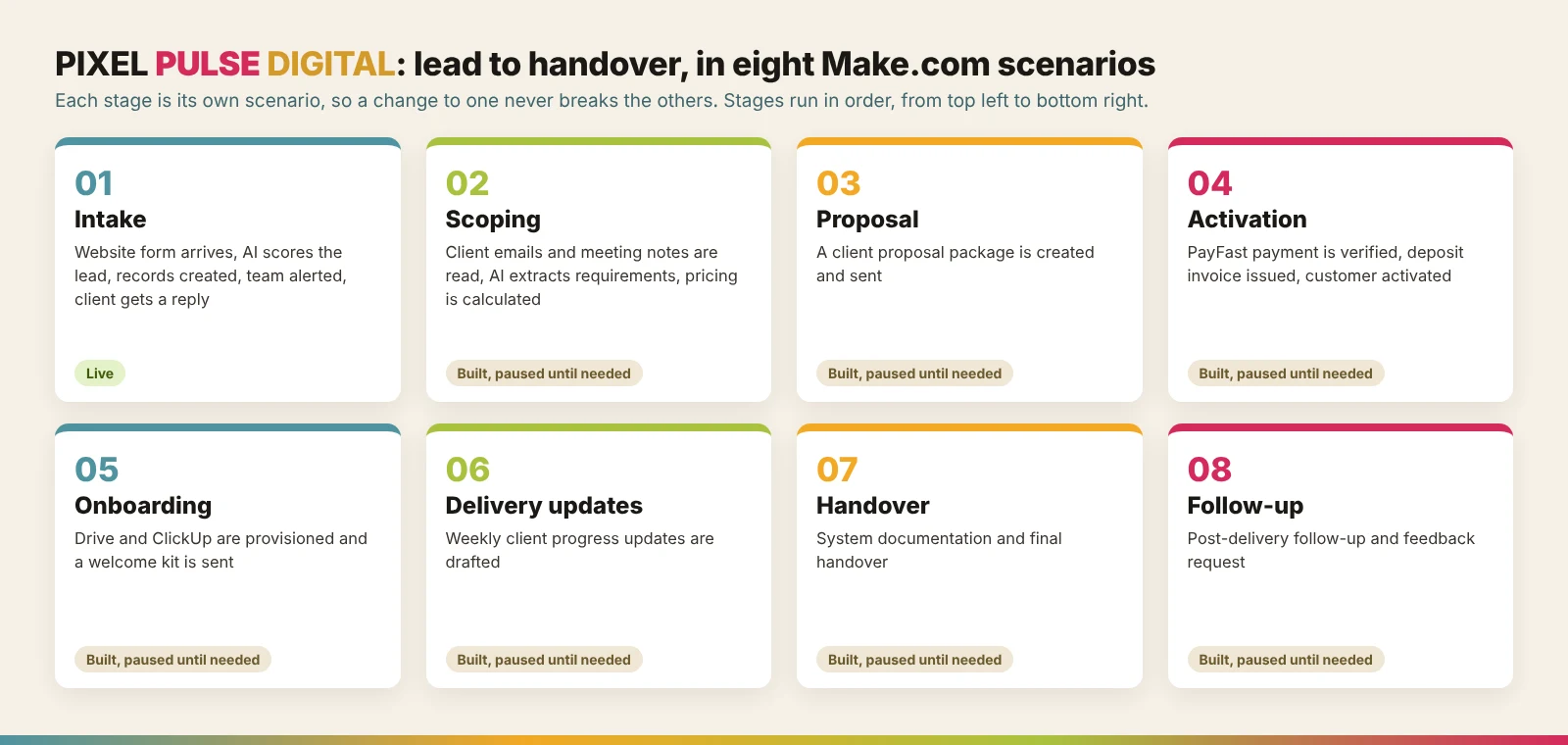
Each stage is its own scenario. Intake, scoping, proposal, activation, onboarding, delivery updates, handover and follow-up each do one job and hand clean records to the next. That keeps every scenario small enough to understand, test and change without touching the others. The diagram shows the eight stages in order.
Stage 01: intake and AI scoring
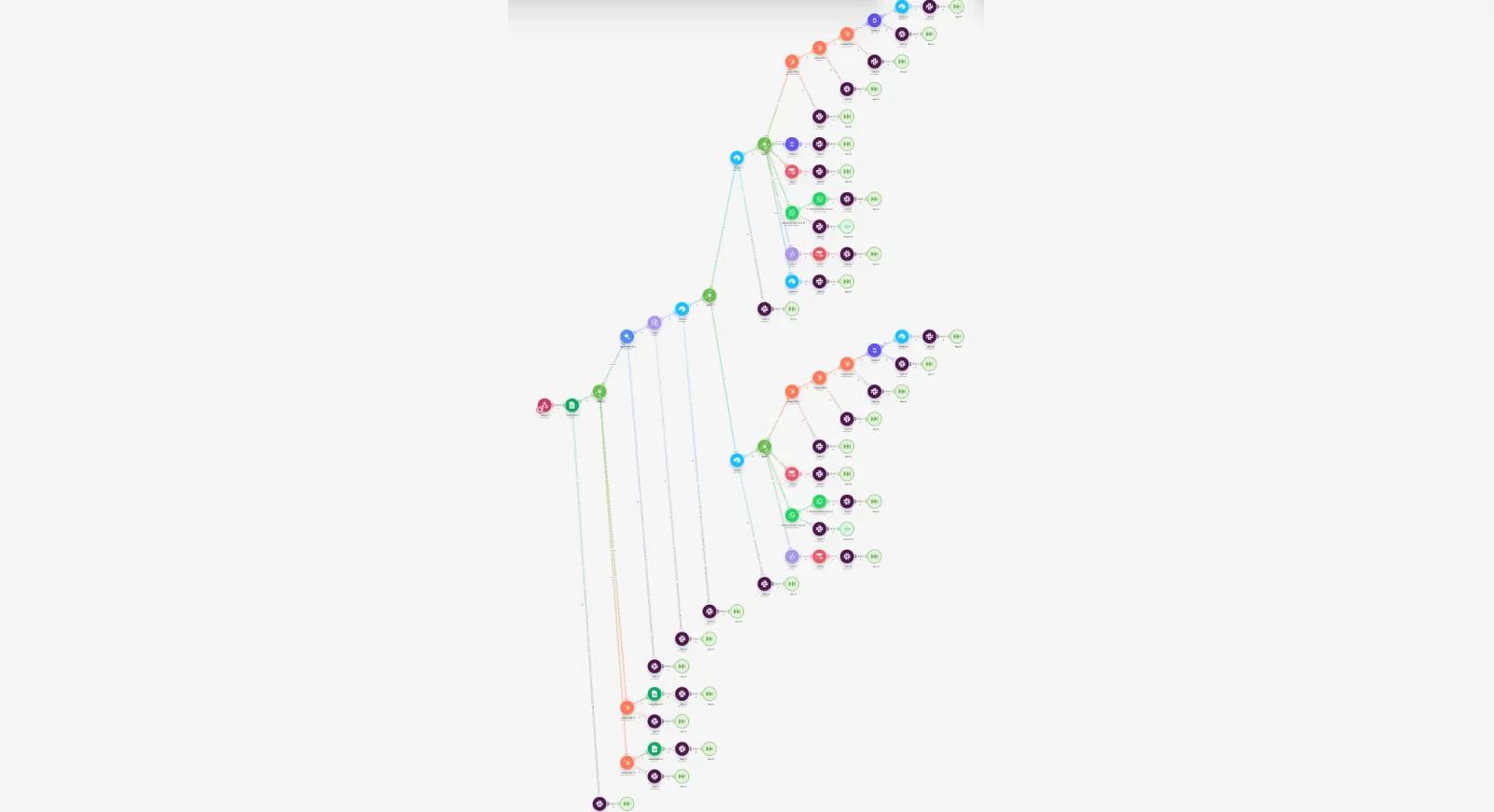
Stage 01 receives every website enquiry. It scores the lead with AI, assigns a category and an intent score, and writes a short summary. It then creates the records in Airtable, HubSpot and ClickUp, alerts the team in Slack, and emails the client a reply with two clear next steps: send a scope of work or book a discovery meeting. Obvious test submissions are recognised and flagged as tests. This is the largest scenario, with branches for each type of lead and each outcome, and it is live.
Stage 01c: the website cost calculator
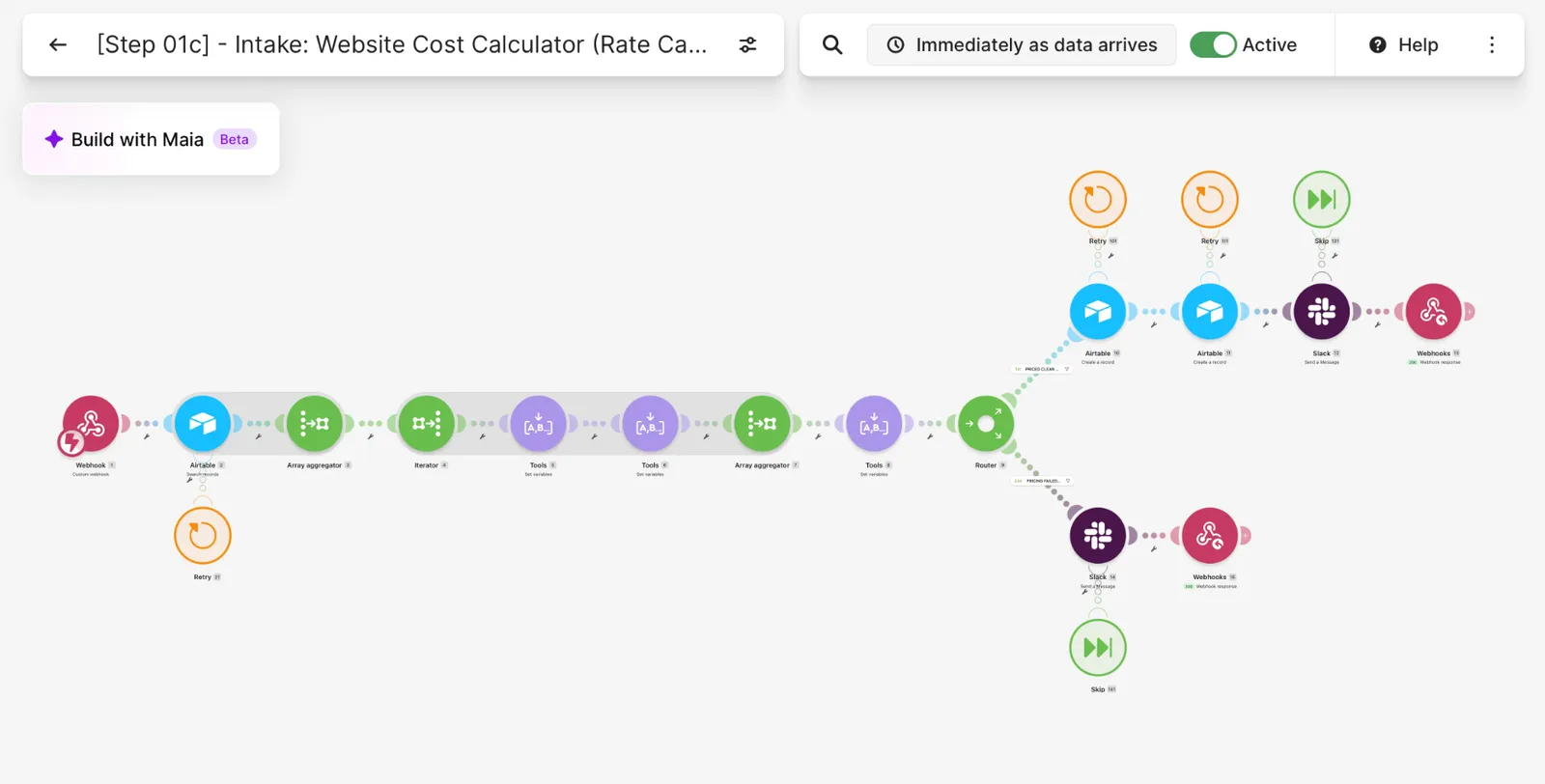
Stage 01c handles the website cost calculator. When a visitor submits an estimate, the scenario looks up the live rate-card prices in Airtable, calculates the total, and creates the records. A router splits the result in two: a clean priced estimate is saved and the team is alerted, and a failed pricing sends a separate alert so nothing is lost. The scenario is live and answers the website straight away.
Stages 02 to 08: scoping to follow-up
Stages 02 to 08 carry the work forward. Scoping reads client emails and meeting notes, uses AI to extract requirements, and calculates pricing. The proposal stage creates and sends the client package. Activation verifies the PayFast payment, issues the deposit invoice and activates the customer. Onboarding provisions the Drive folders and ClickUp project and sends a welcome kit. Delivery drafts weekly client progress updates, handover produces the system documentation, and follow-up asks for feedback after delivery.
What is running today
Today the intake stages run live. Stages 02 to 08 are built and are switched off between projects to save Make.com operations, then switched on when a client project needs them. That is a deliberate cost decision, and it is why this page describes them as built rather than running.
What other businesses can take from this
The lesson for any small business is to automate one stage at a time, in the order the work happens. Start with intake, because every later stage depends on clean lead data. Give each stage its own scenario, so a change in one cannot break another. And switch on only what you need, because Make.com bills by operations.